
Ali GajaniJune 11, 20141 min read
How to update Homebrew in Yosemite?
Originally published on Mr. Geek.
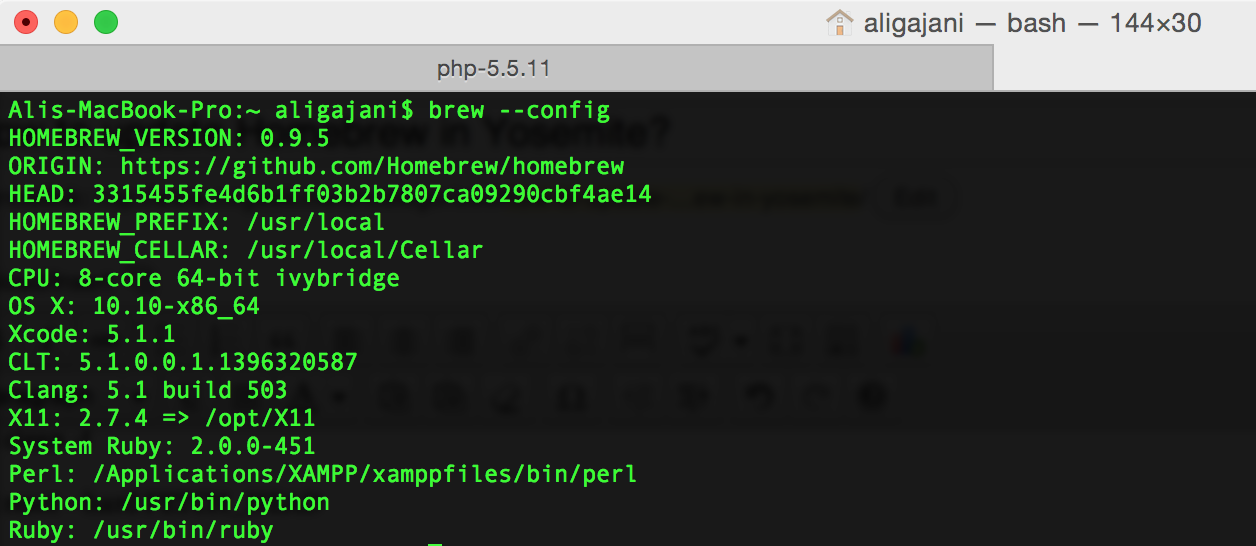
Yosemite uses Ruby 2.0 where as my previously installed Homebrew was set to use 1.8. I did an upgrade from Mavericks to Yosemite just last week, but it was today that I set out using brew commands and realized, oh no! But I have a 2 minute fix that works just fine.
Step 1
Change the first line of brew.rb (located in /usr/local/Library) to this:
#!/usr/bin/ruby -W0
Step 2
Follow these commands in order:
cd `brew --prefix`

git clean -f

git reset --hard FETCH_HEAD

git clean -fd

brew update
And you are done. Finally, you should see something like this if all went well.
Updated Homebrew from 3315455f to 3315455f.
Thanks for checking out Mr. Geek. Adios.